
Your hosting plays a significant role in how well your the performs. A good provider helps your pages load faster, keeps your site stable, and reduces problems that slow you down.
As your website grows, the right hosting plan makes it easier to handle more visitors and stay secure. Strong hosting also saves you time by managing updates, backups, and performance tools in the background.
This list brings together providers that offer reliable speed, solid security, and helpful support. It gives you clear choices so you can pick the one that fits your goals and the way your website works.
What Your WordPress Site Needs From a Hosting Provider
Your hosting should give your WordPress site the tools it needs to run fast, stay secure, and stay online without trouble. These basics make a big difference in how your site performs every day.
- Speed and Smooth Performance: Your site should load quickly on all devices. Good hosting uses strong servers and caching to keep pages fast.
- Strong Security for Everyday Threats: Your hosting should protect your site from malware, attacks, and unsafe activity. Built-in security features reduce common risks.
- Easy Backups and Restores: You should be able to back up your site automatically and restore it with one click if something goes wrong.
- Reliable Uptime: Your site should stay online without interruptions. Quality hosting keeps downtime to a minimum.
- Helpful Support: When you need help, support should be fast and clear. Good hosting teams guide you through issues without delays.
These features help your site stay fast, secure, and easy to manage. When a hosting provider offers all of this, you get a more reliable WordPress experience with fewer issues.
Top 10 Best Hosting Providers for WordPress Websites
Choosing the best hosting provider helps your WordPress site load faster, stay secure, and handle more visitors without problems. The options below offer strong performance and reliable support for different types of websites.
Convesio
Convesio is built for high-performance WordPress hosting using container-based technology. It handles traffic spikes smoothly, offers automatic scaling, and keeps your site stable without manual setup. This approach prevents slowdowns during peak hours and helps websites stay dependable even when traffic suddenly grows.
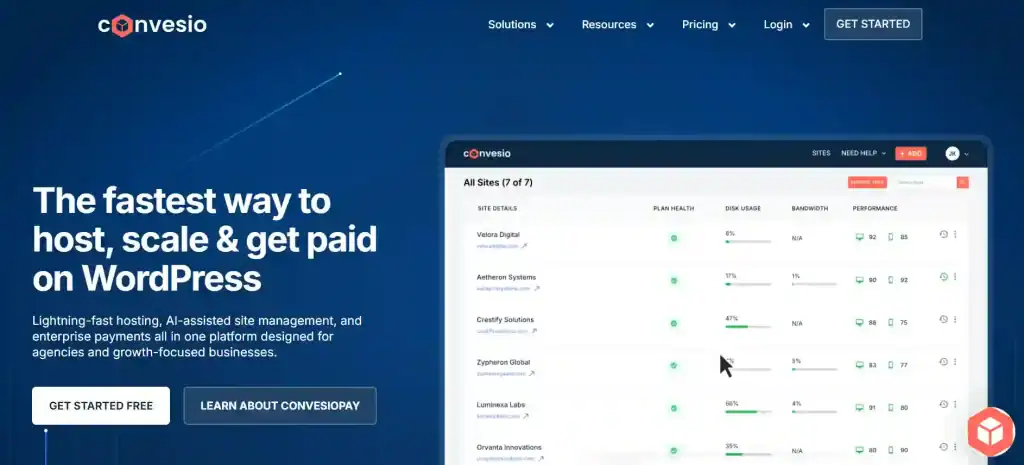
In addition to scaling, Convesio provides self-healing servers, load balancing, and real-time monitoring that quickly identifies issues before they affect your site. These features make Convesio a strong choice for agencies, ecommerce brands, and membership sites that depend on consistent uptime and efficient performance.
WP Engine
WP Engine delivers managed WordPress hosting with fast speed, strong security, and automatic updates. Its advanced caching, daily backups, and threat detection protect your site from common vulnerabilities and keep things running smoothly without manual work.

The platform also includes staging environments, performance insights, and developer tools that help users experiment safely and optimize their site. WP Engine stands out for its high-quality support and reliable infrastructure, making it a great fit for businesses, content creators, and professional websites that rely on performance and uptime.
Pressable
Pressable runs on the same server network that powers WordPress.com, giving it excellent speed and uptime. It offers free migrations, simple site management tools, and clean workflows that make it easy for users and teams to manage multiple sites.
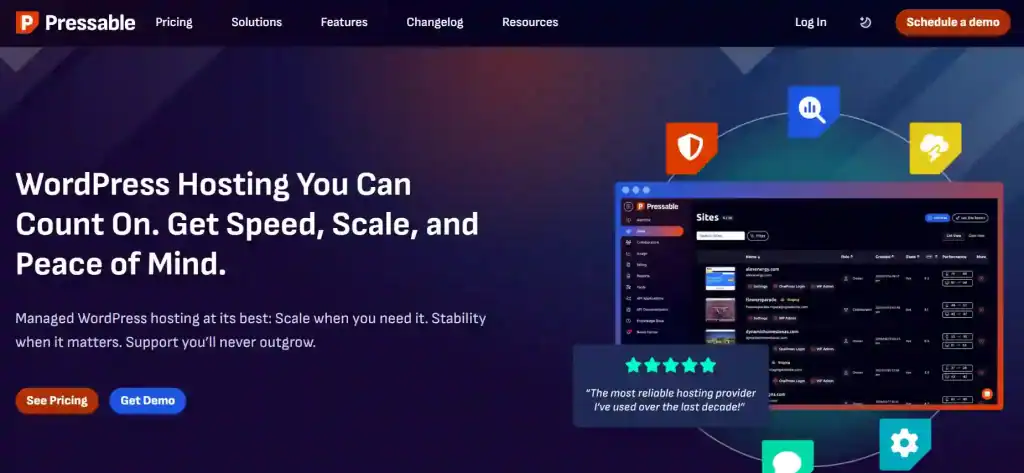
Agencies appreciate Pressable’s collaboration features, malware monitoring, and automated failover that reduces downtime risks. With strong customer support and a stable platform, Pressable is a reliable option for anyone who wants hands-off hosting with premium reliability.
Kinsta
Kinsta uses Google Cloud’s premium network to deliver fast load times, strong security, and automatic scaling. Its dashboard gives clear performance insights, and the platform includes daily backups along with built-in caching for consistent speed.

Users benefit from Kinsta’s global CDN, proactive uptime monitoring, and developer-friendly tools like SSH, staging environments, and detailed analytics. High-traffic websites, online businesses, and growing brands often choose Kinsta for its stability, speed, and streamlined experience.
Cloudways
Cloudways lets you host WordPress on leading cloud platforms like AWS, Google Cloud, and DigitalOcean. It provides strong performance, server customization, staging tools, and automated backups without requiring advanced technical knowledge.

The flexible pricing and scalable resources make Cloudways ideal for developers, agencies, and businesses that want more control over server resources. With advanced caching, firewalls, and real-time monitoring, Cloudways helps users maintain high-speed sites that can grow without limitations.
Liquid Web
Liquid Web specializes in high-performance hosting built for demanding websites. Its servers are optimized for large ecommerce stores, membership sites, and businesses that need strong resources and reliable uptime.

The platform offers dedicated support, advanced security tools, staging environments, and plenty of performance features. Liquid Web’s infrastructure is designed to handle heavy workloads, making it a strong choice for websites that rely on speed, stability, and high traffic handling.
GoDaddy
GoDaddy is a popular hosting provider known for its simple setup and easy dashboard. Its WordPress plans include one-click installs, automated updates, and basic security tools that help beginners manage their sites without difficulty.

It also offers global data centers, 24/7 support, and reliable uptime for small sites and personal projects. While it doesn’t offer the advanced features found in premium managed hosting, GoDaddy works well for users who want affordable and easy-to-use WordPress hosting.
SiteGround
SiteGround is known for its fast servers, strong caching system, and excellent support team. It offers easy setup, daily backups, and powerful security features that help keep sites safe and running well.

Its managed WordPress features include automated updates, built-in optimization tools, and smart caching that improves loading times. Beginners appreciate SiteGround for its simplicity, while growing sites benefit from its reliability and user-friendly performance tools.
DreamHost
DreamHost provides SSD storage, automated backups, and a clean control panel that makes WordPress easy to manage. It also includes strong privacy protections, unlimited bandwidth, and reliable uptime.

DreamHost’s long-term pricing plans and simple dashboard make it a practical choice for creators, small businesses, and bloggers. Its built-in site builder and one-click tools help new users get started quickly, while still providing the flexibility needed for growth.
Hostinger
Hostinger delivers fast and affordable hosting with global data centers and optimized WordPress features. It includes server-level caching, automated updates, free SSL, and a clean dashboard that beginners find easy to use.

The platform utilizes LiteSpeed servers and Cloudflare integration to enhance performance at even the lowest prices. Hostinger’s low-cost plans, strong support, and consistent speed make it ideal for new websites, small businesses, and anyone looking for a reliable budget hosting option.
These hosting providers offer different strengths, so the right choice depends on your site’s size, traffic, and goals. With any of these options, you get a reliable foundation that helps your WordPress site perform better long-term.
How to Choose the Best Hosting for Your WordPress Website
Choosing the right hosting is easier when you focus on what your site actually needs. Different websites require different features, so understanding these basics helps you make a smart decision.
- What Beginners Should Look For: Beginners need simple setup, easy dashboards, and strong support. A hosting plan with one-click installs, backups, and clear guidance makes the learning process smooth.
- Key Features for Bloggers: Bloggers should look for fast loading times, good caching, and easy content tools. Stable performance helps readers stay longer and improves SEO.
- Key Features for E-commerce: E-commerce sites need strong security, fast servers, and reliable uptime. Payments, product pages, and checkout flows must load quickly and stay protected.
- Security and Scalability Needs: Your hosting should offer malware protection, daily backups, and room to grow. As your traffic increases, your hosting should handle more visitors without slowing down.
- Support and Uptime Expectations: Good hosting gives quick, helpful support and consistent uptime. When problems appear, you should be able to reach someone who understands
With these points in mind, it becomes easier to choose the best hosting provider for your WordPress website based on your goals, traffic, and future plans.
Shared vs Managed vs Cloud Hosting
Understanding hosting types helps you choose the right plan for your WordPress site. Each option offers different levels of speed, control, and reliability, and the right choice depends on how your website grows over time.
Shared Hosting
Your site shares a server with many others. This keeps costs low but can slow your site when other websites on the server get busy. It’s a good starting point for small sites, but performance can drop as traffic increases or when you add more plugins and features.
Managed Hosting
Optimized for WordPress with built-in performance tools, updates, backups, and strong support. Best for users who want speed and hands-free maintenance. Managed hosting also improves security and uptime because the server is tuned specifically for WordPress, reducing the work you need to do.
Cloud Hosting
Your site runs across multiple servers for stronger performance and stability. Ideal for high-traffic sites, ecommerce stores, and growing projects. Cloud hosting handles traffic spikes smoothly and offers more room to scale without slowing down your site.
These options affect how fast your site loads and how well it handles traffic. Managed and cloud hosting offer better stability and performance than shared plans, especially as your website gains visitors.
Common Problems With Cheap Hosting Providers
Cheap hosting often looks appealing, but it can cause problems that affect your site’s speed, security, and growth.
- Slow Speed: Low-cost servers usually have limited resources, which leads to slow loading times and weaker performance.
- Weak Security: Budget hosts often skip strong firewalls, malware scans, and security updates, leaving your site exposed to attacks.
- Limited Resources: Small storage, low bandwidth, and weak processing power can limit how many visitors your site can handle.
- Poor Support: Cheap hosting often offers slow or basic support, making it harder to solve issues when your site has problems.
These issues make it clear why choosing the best hosting providers leads to a faster, safer, and more reliable WordPress website.
When Should You Upgrade Your Hosting Plan
Upgrading your hosting helps your WordPress site stay fast and reliable as it grows. These signs show when your current plan is no longer enough.
Signs of Outgrowing Shared Hosting
Your site may slow down or hit resource limits as it grows. This means shared hosting can no longer support your needs. Upgrading gives you more power and smoother performance.
Performance Drops
Longer load times and unstable pages often point to limited server resources. These issues increase as your site gains more content or plugins. A stronger plan helps your site stay fast and consistent.
High-Traffic Growth
More visitors require more server capacity. If your site struggles during peak hours, your hosting may be holding you back. Upgrading ensures your website can handle traffic without slowing down.
E-commerce Requirements
Online stores rely on fast checkout pages and strong security. Slowdowns or downtime can affect customer trust and sales. A better hosting plan supports growth and keeps your store running smoothly.
These signs make it clear when it’s time to move to a more powerful hosting plan. Upgrading helps your WordPress site stay stable, secure, and ready for future growth.
Conclusion
Choosing the best hosting provider makes a big difference in how your WordPress website performs every day. Strong hosting improves speed, stability, and security, and helps your site handle more visitors without issues.
When you know what your site needs and understand the options available, it becomes easier to pick a hosting provider that fits your goals. A reliable host gives you a solid foundation to grow, create, and manage your website with confidence.
The right hosting plan supports your work, protects your data, and keeps your site running smoothly as your audience grows.
FAQs About Best WordPress Hosting Providers
What is the best hosting provider for WordPress?
The best hosting provider is one that offers fast performance, strong security, reliable uptime, and helpful support. Convesio, WP Engine, Kinsta, Pressable, and Cloudways are strong choices based on these features.
Do I need managed WordPress hosting?
Managed hosting is helpful if you want automatic updates, backups, and better security. It removes a lot of manual work and keeps your site running smoothly, especially as it grows.
Which hosting is best for beginners?
Beginners benefit from easy setup, simple dashboards, and clear support. Hostinger, SiteGround, and DreamHost are popular beginner-friendly options that make starting a WordPress site straightforward.
What hosting features improve WordPress speed?
Fast servers, caching tools, CDN support, and optimized PHP versions help improve loading times. Good hosting providers include these features by default.
When should I upgrade my hosting plan?
If your site slows down, crashes during traffic spikes, or hits resource limits, it may be time to upgrade. Ecommerce sites and high-traffic websites often need stronger plans sooner.
Is cheap hosting a good option for WordPress?
Cheap hosting can work for very small sites, but it often comes with slower speeds, weak security, and limited resources. For stable performance, it’s better to choose a reliable hosting provider.